Stay secure and extend the life of your devices with a smooth Windows 11 upgrade on unsupported hardware, keeping PCs and Macs running efficiently.
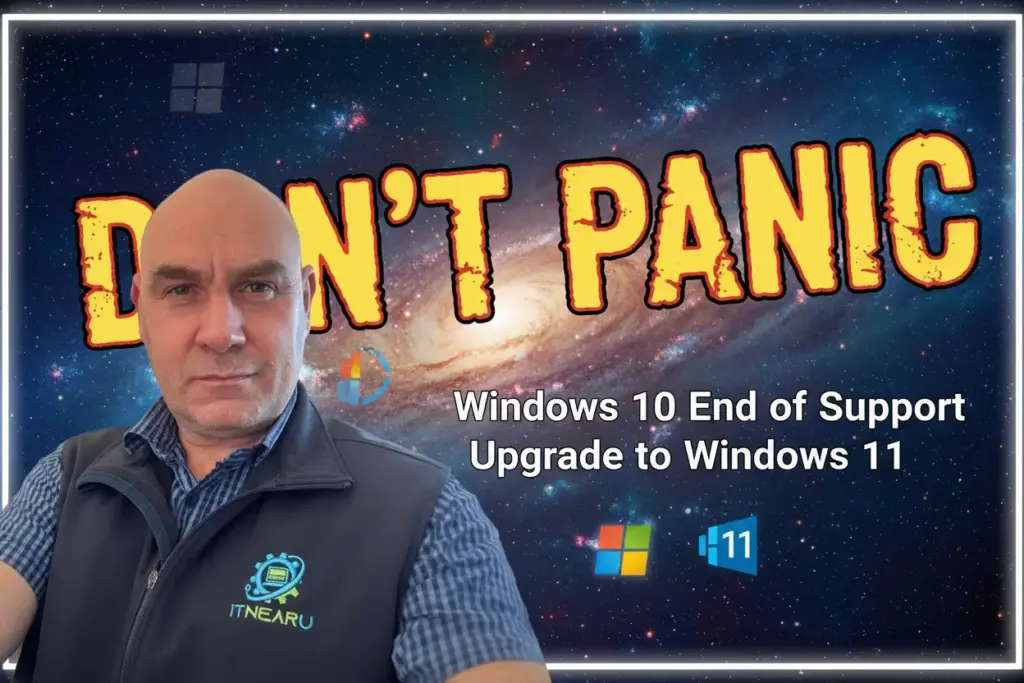
With Microsoft confirming the end of support for Windows 10, many Wellington households and businesses are wondering what to do next. Unsupported systems quickly become a risk; security patches stop, software compatibility reduces, and performance can drop. Yet upgrading is not always about buying a new device. In many cases, a Windows 11 upgrade on unsupported hardware is both possible and worthwhile.
Often, if a PC or notebook is under ten years old, it is still a solid candidate for Windows 11. Even older computers can usually handle the upgrade if they run Windows 10 reliably. The key is hardware condition. If the keyboard works well, the hard disk is stable, or better still replaced with a fast SSD, the machine can feel like new. We frequently back up data, load a clean Windows 11 installation, and restore user files so the device is ready for daily use.
Rather than patching over old operating systems, a clean install brings a fresh start. By wiping away years of clutter, the system often runs faster and more smoothly. Our team has completed hundreds of these upgrades across the Wellington region, and the results are consistently positive. We recommend this path for users in Lower Hutt, Upper Hutt, Porirua, and the Kāpiti Coast, especially when stability and performance are priorities.
Mac users often face a similar problem: older iMacs and MacBooks stop supporting the latest macOS versions. That doesn’t have to mean disposal. We regularly demonstrate how Windows 11 can be installed on Apple devices considered too old for modern macOS. For example, we have a twelve-year-old MacBook Pro and a 2015 iMac Retina both running Windows 11 with ease. This gives clients more years of use from otherwise retired hardware.
For families, an upgrade secures online banking, keeps parental controls functional, and ensures safe browsing. For businesses, running supported software avoids costly downtime. A Windows 11 upgrade on unsupported hardware is often far more cost effective than buying replacements. When paired with our data recovery, antivirus solutions, and Wi-Fi improvements, systems feel modern and reliable without unnecessary expense.
Choosing between repair, upgrade, or replacement can be confusing. That’s why we guide clients with straightforward advice. Our philosophy is repair first, replace only when necessary. If a machine passes basic checks, upgrading it to Windows 11 is usually the smarter move. For those still holding onto older hardware, loading Windows onto Macs or refreshing PCs with SSDs keeps technology useful and sustainable.