
That sms text message you just got, the one for an Amex card you don’t own, is a perfect example of a modern scam. And while you dodged that bullet, it’s a great reminder of a broader security risk many of us invite onto our phones every day: low-cost, high-ad shopping apps.
The lure of incredible bargains on platforms like Temu, Wish, AliExpress, and Alibaba is strong. But before you tap “Install” on the next viral shopping app, consider that the true cost might not be a few dollars, but your complete digital privacy and financial security.
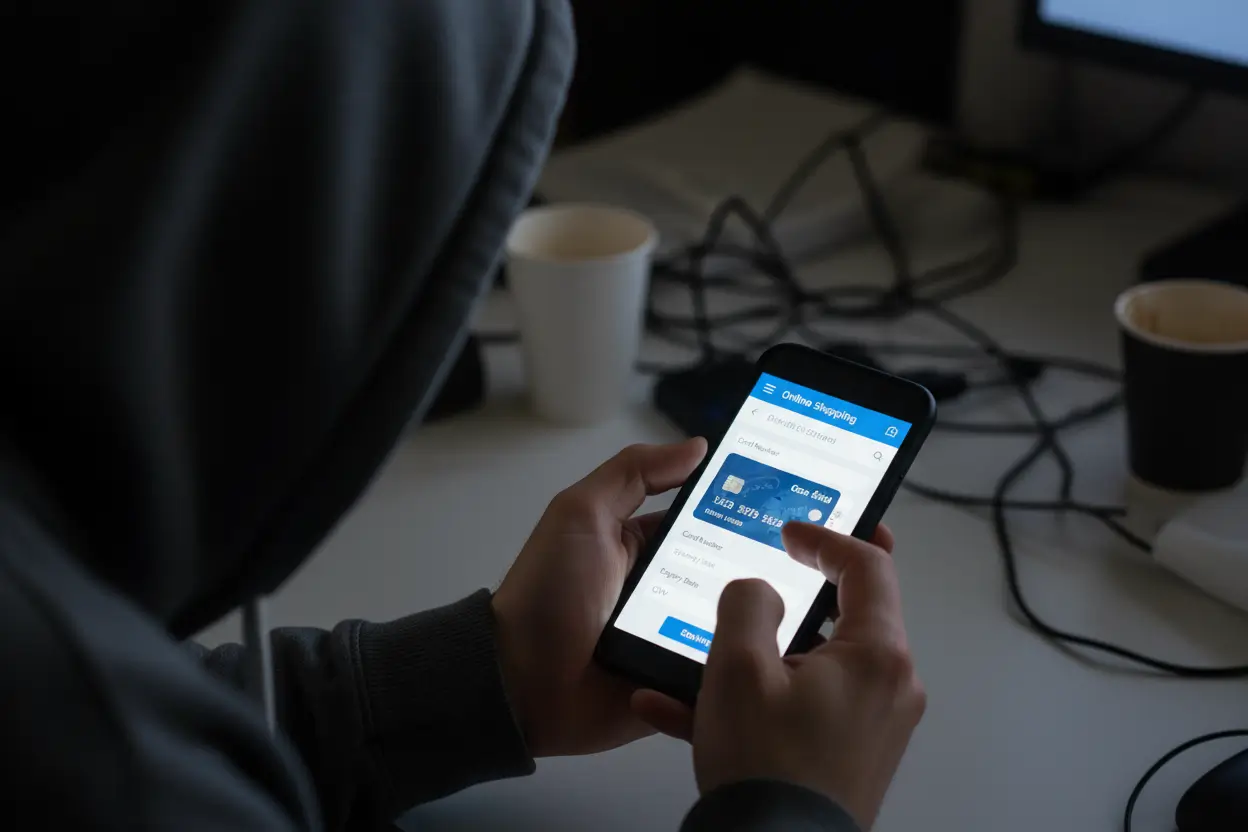
It’s often said, “If the product is free, you are the product.” In the case of these hyper-cheap shopping apps, if the price is impossibly low, your personal data might be the payment. Here is the real risk of inviting a “suspect” app, especially those with excessive permissions and a barrage of ads, onto your personal device:
Many of these apps are notorious for demanding permissions that go far beyond what’s necessary for an e-commerce site. They may request access to: Your Camera and Microphone: Why does a shopping app need to listen or look at your surroundings? Your Contacts: They use this to grow their network and profile the people you know. Your Location Data: Constant, precise tracking of where you are. Your Device Info: Deep access to your phone’s unique identifiers, settings, and other apps installed. The Danger: Security experts have raised concerns that some of these apps are effectively “spyware masquerading as e-commerce.” They collect a staggering amount of personal data that can be used to build a comprehensive profile of you, which is then often shared with third-party advertisers and unknown partners.
Some overseas e-commerce apps have been flagged for containing code that is overly aggressive or even malicious. In one high-profile case, the parent company of a major bargain app had another app containing malware that allowed it to spy on users, exploit vulnerabilities, and even bypass app security measures. The Danger: Installing a poorly coded or overly invasive app can leave a digital back door open for hackers to potentially access other sensitive information on your device.
If you are using a new, unverified, or non-mainstream shopping app, entering your credit card details is the biggest mistake you can make. When you manually enter your card number, CVV, and expiry date, you are placing all your financial security into the hands of that app’s internal security team. The Danger: Should that company suffer a data breach (and even major companies are vulnerable), your full card details are on the server and are now vulnerable to being stolen and used for fraud, which is exactly what the scam in your original text message was trying to enable.
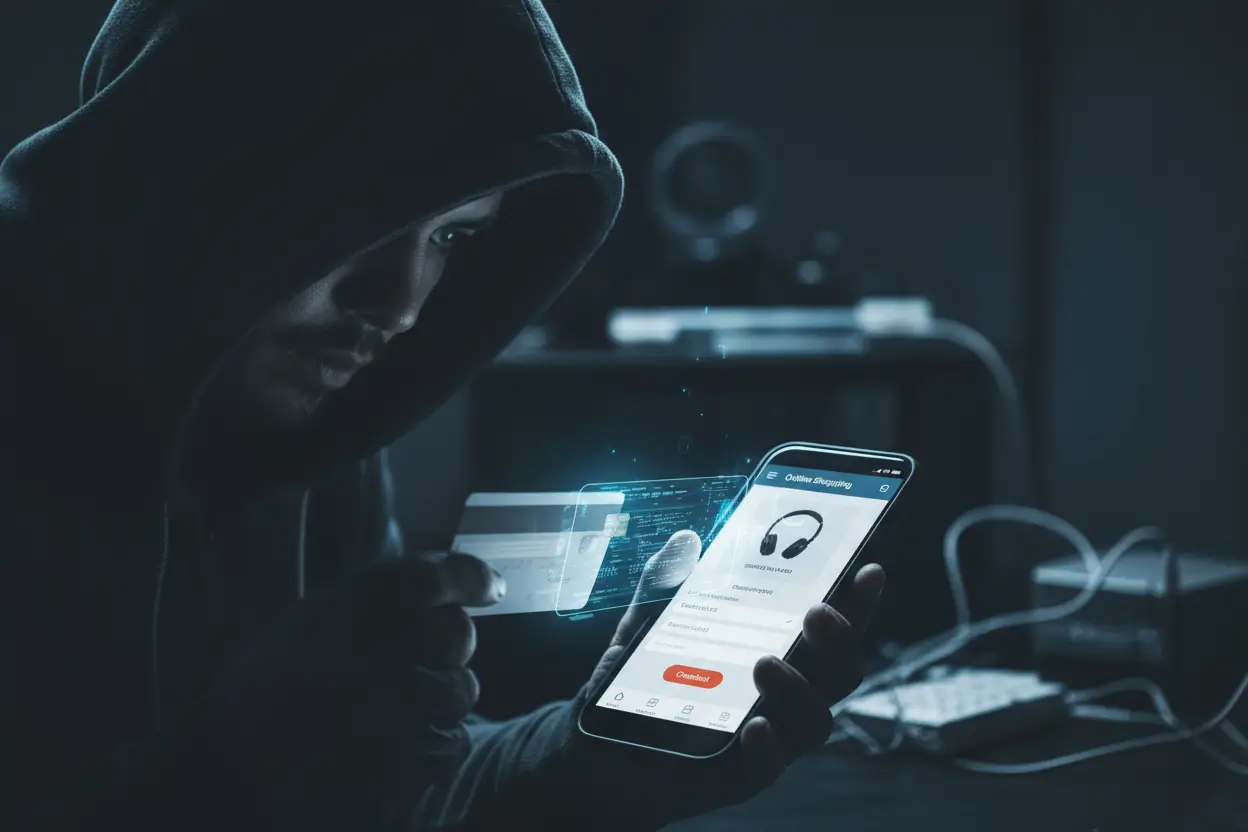
You can still shop online without risking your financial life. The key is to create a secure buffer between your bank and the seller.
This is your golden rule of online safety. Avoid the temptation to save your card details in any third-party app, especially new or foreign ones. If you must use a card, consider a solution that creates an extra layer of security: Virtual Card Numbers: Some banks offer a service to create a single-use or disposable card number for online purchases. A “Separate” Card: Use a credit card with a low limit or a prepaid card specifically for online shopping to minimize potential losses in case of a breach.
Platforms like PayPal, Apple Pay, and Google Pay are your best friends for online security. This is why:
| Security Advantage | How it Protects You |
| Data Masking | When you pay with PayPal, the merchant never sees your actual credit card or bank account number. They only see your PayPal information. |
| Buyer Protection | PayPal offers comprehensive Purchase Protection policies. If your item never arrives or is significantly different than described, they help you get your money back. |
| Fraud Monitoring | These major payment systems have sophisticated, global fraud monitoring that is often more robust than what a smaller e-commerce platform can provide. |
| Centralized Security | If one shopping app gets hacked, your payment details are safe, because they were never on that app’s server. |
By using a secure intermediary, you keep your valuable financial information in one highly protected vault (PayPal/Apple Pay) and only give the shopping app a “token” to process the payment. Be smart with your taps. That $5 gadget is not worth giving a company permission to know everything you do on your phone. Prioritize your privacy over the lowest price.
An example of an Apple Pay Scam: PSA: Apple Pay SCAM – Text Sent with Code & 0800 Number