

Most homes and small businesses across Wellington, the Hutt Valley, Porirua, and the Kapiti Coast run on wireless setups that were never designed for today’s demands. Video calls, smart TVs, security cameras, gaming consoles, phones, tablets, and laptops all share the same network simultaneously. When the connection drops mid-call or the stream buffers constantly, something has reached its limit.
The most common mistake we see people make when trying to improve their wireless is buying a Wi-Fi extender. Extenders repeat a signal that is already weak. They split your available bandwidth in half and create a second network name that your devices do not switch to automatically. Your laptop stays locked onto a distant, poor-quality signal because it cannot tell the difference between the original router and the extender broadcasting the same name at a lower quality. The fix feels cheaper than it is.
Router placement is the factor most people overlook, and it is one of the first things we check. A router stored inside a cupboard, tucked behind a television, or sitting on the floor loses signal dramatically before it reaches the rooms where you need it most. Concrete walls, dense timber framing, and certain types of modern insulation all block 5GHz signals hard. In built-up suburban areas like Lower Hutt or Paraparaumu, neighbouring Wi-Fi networks compete for the same frequency channels, and the interference compounds the problem.
Outdated firmware is another thing we find regularly. Most routers ship with default software and never receive updates from their owners. Security patches go uninstalled, and performance improvements that manufacturers release simply never arrive. Your modem may also be ageing; fibre connections in particular require a modem capable of handling the speed your plan provides, and an old unit can throttle your speeds before the signal even reaches your router.
Devices themselves contribute to the problem. Older phones and laptops default to 2.4GHz connections even when a faster 5GHz signal is available nearby. They also cling to whichever access point they connected to first rather than switching to a stronger one. Neither behaviour is easy to change through the device alone, and it is something we sort out during an onsite visit.
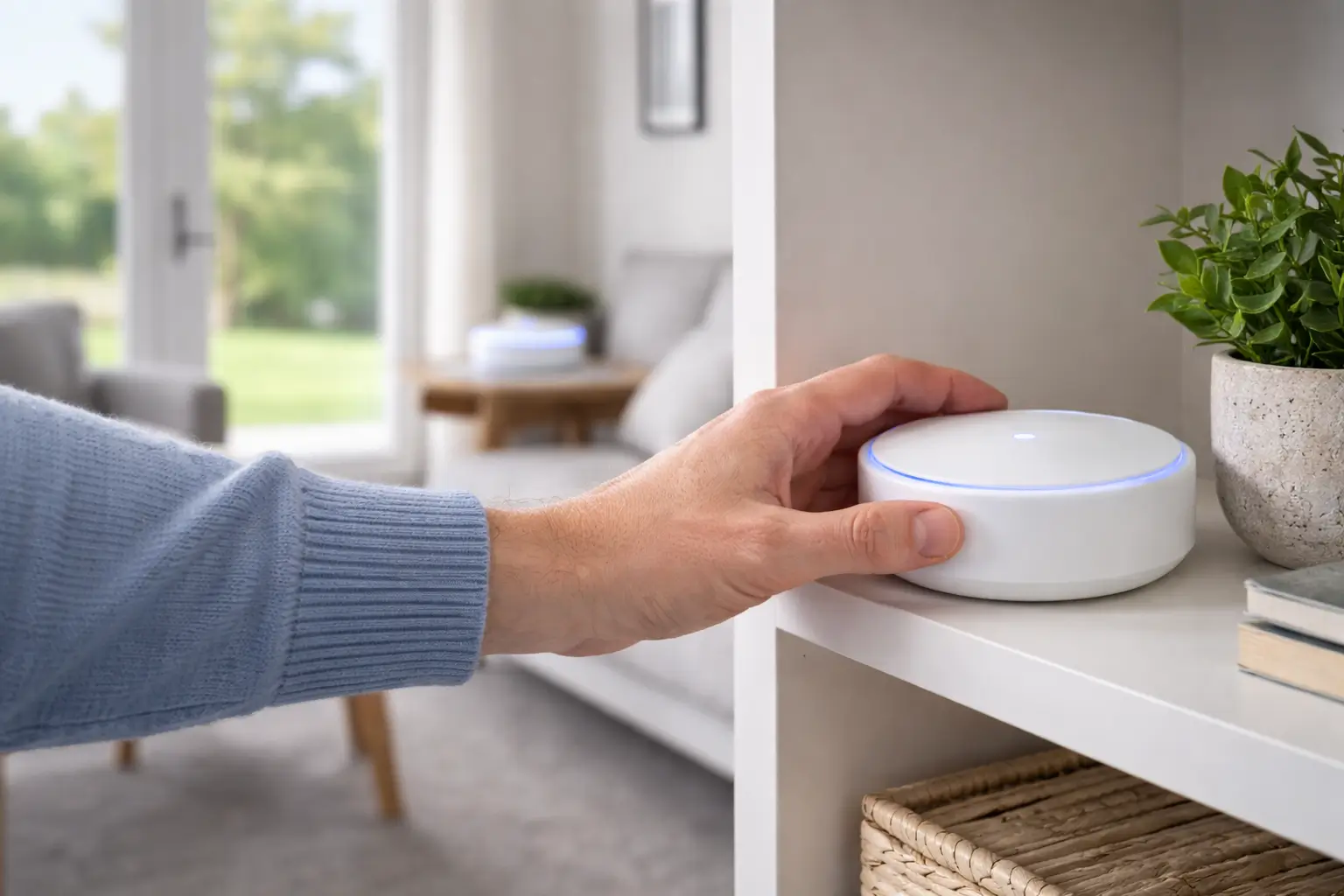
A mesh Wi-Fi system works differently from a router and extender combination. Each mesh node communicates with the others as part of a single unified system. Your devices see one network name and connect automatically to whichever node provides the best signal at any given moment, without any manual switching required.
Quality mesh systems use a dedicated backhaul channel so the nodes communicate with each other on a separate frequency band that your devices never use. Your streaming speed stays consistent whether you are in the kitchen, the far bedroom, or across a larger commercial space. For homes in Waikanae or Upper Hutt where rooms are spread across multiple floors or a wider footprint, we find that mesh systems resolve dead zones that no extender ever could.
Mesh networks also put more control in your hands. You can see every connected device, create separate guest networks, set internet access schedules, and apply content filters per device or household profile. That level of visibility and management is simply not available on most standard home routers, and we walk you through all of it after installation.
Moving your router to a central, elevated position away from microwaves and other electronics often produces an immediate improvement. Restarting your modem and router monthly clears memory issues and refreshes your provider connection. Check whether your devices connect to 5GHz rather than 2.4GHz; 5GHz handles shorter distances faster, while 2.4GHz travels further but with lower throughput.
Changing your Wi-Fi channel through your router’s admin panel reduces interference from neighbours. Most routers default to the most congested channels on 2.4GHz. Switching to a less-used channel costs nothing and takes about five minutes. These adjustments genuinely help, but they have a ceiling. When you need reliable wireless across more than two or three rooms, or across a multi-floor or commercial space, a mesh system is the right long-term answer, and that is where we come in.

Dealing with a virus, a compromised account, or a Wi-Fi network that cannot keep pace with a busy household is not something you should face alone. We cover the full range of security, connectivity, and business IT services for Wellington homes and businesses. We can improve wireless performance, stability and reliability through-out your home or business. Our technicians handle every job at your location, so you see exactly what is being done and why.
A virus or malware infection can compromise files, steal passwords, and cost serious time and money. Often the owner does not notice until real damage is done. We remove viruses and malware from infected Windows and Mac systems, and check the device thoroughly before the job is closed. Data recovery is available for files lost through crashes, accidental deletion, or a failing drive. We retrieve what we can and get you back to work as quickly as possible.
Discovering that an account has been accessed without your knowledge is a stressful, urgent situation. We help Wellington residents and small business owners respond properly. IT Support Wellington: Our technicians secure compromised accounts, identify ongoing threats, and carry out a bank health check to assess whether financial accounts may have been exposed. Speed matters in these situations, and we respond accordingly.
Dead spots in your Wi-Fi, slow speeds in certain rooms, or a network that drops during video calls all have practical solutions. We assess your existing setup, recommend the right approach, and install mesh systems where they will deliver the best result. Homes and offices across Wellington have seen real gains from a properly planned wireless network, and we can improve wireless coverage throughout your home or business. Printer and scanner issues are also covered: connection faults, driver problems, network printer setup, and scanner configuration across all major brands. Families looking to manage screen time and filter content at home can rely on us to configure parental control systems that work across every device in the household.
Setting up Microsoft 365 correctly makes a real difference to how a small Wellington business communicates and works. We handle Microsoft 365 setup, including domain configuration, business email, and user account management. Website design, search engine optimisation, and digital marketing guidance are available for Wellington small businesses wanting better online visibility. We also help businesses adapt their websites for AI-driven search, including Google’s AI Overviews and voice search. Practical support, not grand promises: that is what Wellington businesses get from us.
Our technicians are Wellington-based. Knowing the roads, suburbs, and local geography means shorter travel times and no unnecessary delays. We cover Wellington city and the full surrounding region, and the same standard of onsite IT support applies wherever you are located.
Our technicians cover Wellington city suburbs including Thorndon, Karori, Newtown, Aro Valley, Johnsonville, Tawa, Miramar, and Berhampore. Oriental Bay, Island Bay, Seatoun, Khandallah, Crofton Downs, and Glenside are also on the regular route. Most suburbs within the Wellington city boundary do not attract additional travel charges. If your suburb is not listed here, get in touch anyway; most areas close to Wellington city fall within our service area.
Beyond Wellington city, we cover Lower Hutt and Upper Hutt across the Hutt Valley, plus Porirua and its surrounding suburbs. The Kapiti Coast is also covered regularly, with call-outs to Paraparaumu and Waikanae. Homes, businesses, and community organisations in all these areas receive the same onsite service as Wellington city customers. Distance does not change the standard of care.