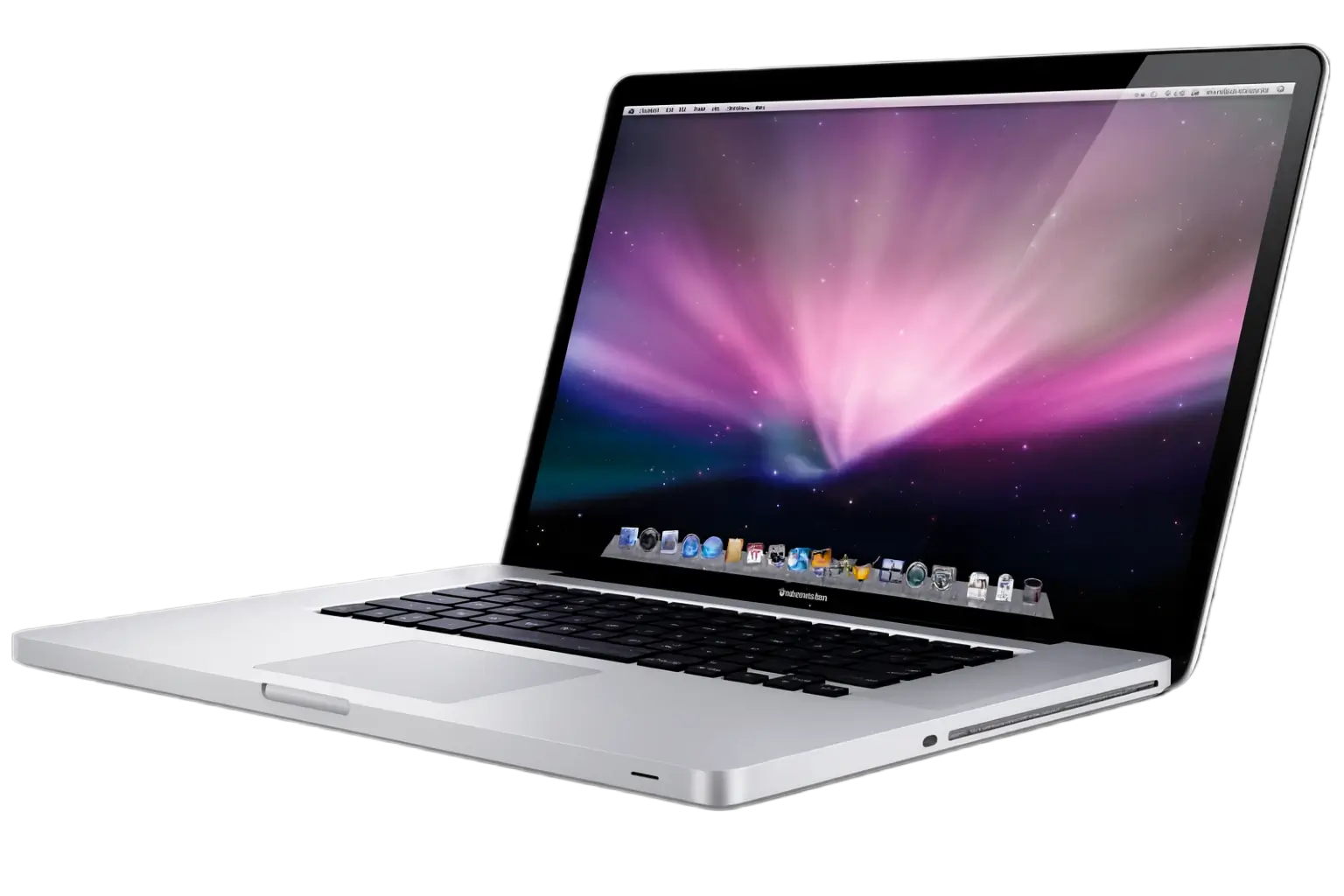
Expert Apple support in Wellington; we repair, upgrade and optimise your iMacs, MacBooks, iPads, iPhones and Apple TV.
We understand Apple devices. Whether you’ve owned a Mac for years or you’ve just unboxed your first iPhone, our team provides comprehensive Apple support across all devices in the Greater Wellington Region. From iMacs and Mac Minis to MacBooks, iPads, and iPhones, we handle everything from basic troubleshooting to complex data migrations and system upgrades. We also serve Porirua, Hutt Valley (Upper Hutt and Lower Hutt), and the Kāpiti Coast including Paraparaumu and Waikanae.
At IT NEAR U, we treat your Apple devices with the care they deserve. We’re not here to sell you new equipment; we’re here to keep what you have running smoothly or guide you toward the right upgrade when the time comes. Our team has extensive experience with Mac repairs, iPad troubleshooting, iPhone support, and comprehensive iOS device management across New Zealand’s Greater Wellington Region.
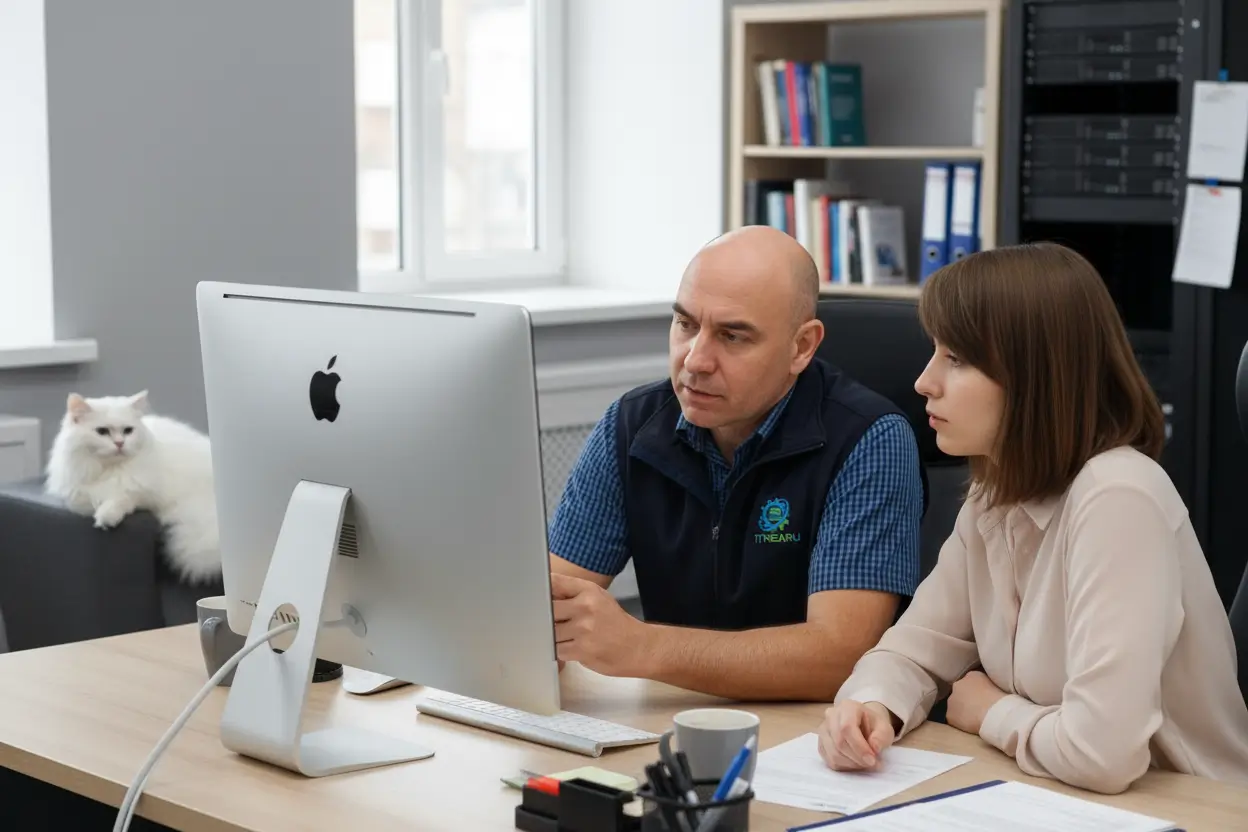
Setting up a new device should be straightforward. Yet many people find themselves overwhelmed by the initial configuration, app installation, and data transfer process. That’s where we step in.
Whether you’re bringing home a new iMac, Mac Mini, MacBook, iPad, or iPhone, we handle the complete setup. This includes configuring your Wi-Fi connection, signing into your Apple ID, installing essential applications, and transferring your preferences and settings from your previous device. We ensure everything is personalised to your needs before you start working or browsing. For more information on Apple ID setup, visit Apple’s official Apple ID page.
Moreover, we can transfer your photos, documents, email, and other files during the setup process. This means you don’t lose anything, and you don’t waste time manually copying files across devices.
Upgrading to a newer Mac or iPad should feel like a natural progression, not a fresh start. We manage seamless data transfers from your old Apple device to your new one. This includes all your applications, documents, photos, music, preferences, and system settings.
Additionally, if you’re moving from an older Intel-based Mac to one of the newer Apple silicon models, we handle any compatibility concerns and ensure all your software works correctly on the new architecture.
Considering a move from Android to Apple? The transition doesn’t have to be painful. We guide you through the process and handle the technical side so you can focus on learning your new device.
First, we assist with mail migration. Whether you’re using Gmail, Outlook, or another email service, we configure your accounts on your new iPhone or iPad. We ensure your inbox history transfers correctly and your calendar and contacts sync properly.
Second, we transfer your photos, videos, and important files. Android and iOS store data differently, but we know the best methods to move your content without losing anything. Documents, spreadsheets, and other files get transferred to iCloud or another cloud service so they’re accessible on your new device.
Third, we help with app selection. Many apps exist on both platforms, but some Android apps don’t have direct equivalents. We recommend replacements that offer similar functionality and work best on iOS.
Finally, we ensure your new iPhone or iPad feels like home by restoring your preferences, wallpapers, and notification settings.
The reverse journey is equally important. If you’re moving from iPhone to Android, we ensure nothing gets left behind.
We handle mail migration from your iPhone email accounts to your new Android device. Whether you’re using Gmail, Outlook Exchange, or Apple Mail, we configure everything correctly. Your inbox history, calendar, and contacts all transfer smoothly.
We transfer your photos, videos, and documents from your iPhone to your Android device, often using Google Drive, Dropbox, or another cloud service to bridge the gap. We also handle contacts and calendar information so you remain organised on your new phone.
Email is central to how most people use their devices. Configuring email on Apple devices should be simple, yet many users struggle with account setup, synchronisation issues, and missing emails.
We configure email accounts on your Mac, iPad, or iPhone. This includes iCloud Mail, Gmail, Outlook, Exchange, and any other email service. We ensure your inbox displays correctly, your sent items sync across devices, and your calendar and contacts are accessible. For information on configuring email with iCloud Mail, see Apple’s email setup guide.
If you’re migrating from an old email system, perhaps you’re moving from an older Mac or switching from Android, we transfer all your email history, contacts, and calendar events. You don’t lose years of correspondence or your contact database.
Additionally, we set up custom email filters so your inbox stays organised. Important emails go to designated folders automatically, and you can create rules based on sender, subject, or keywords.
We also assist with professional email signatures. If you need a branded or formatted signature for business correspondence, we create one that works seamlessly across all your Apple devices.
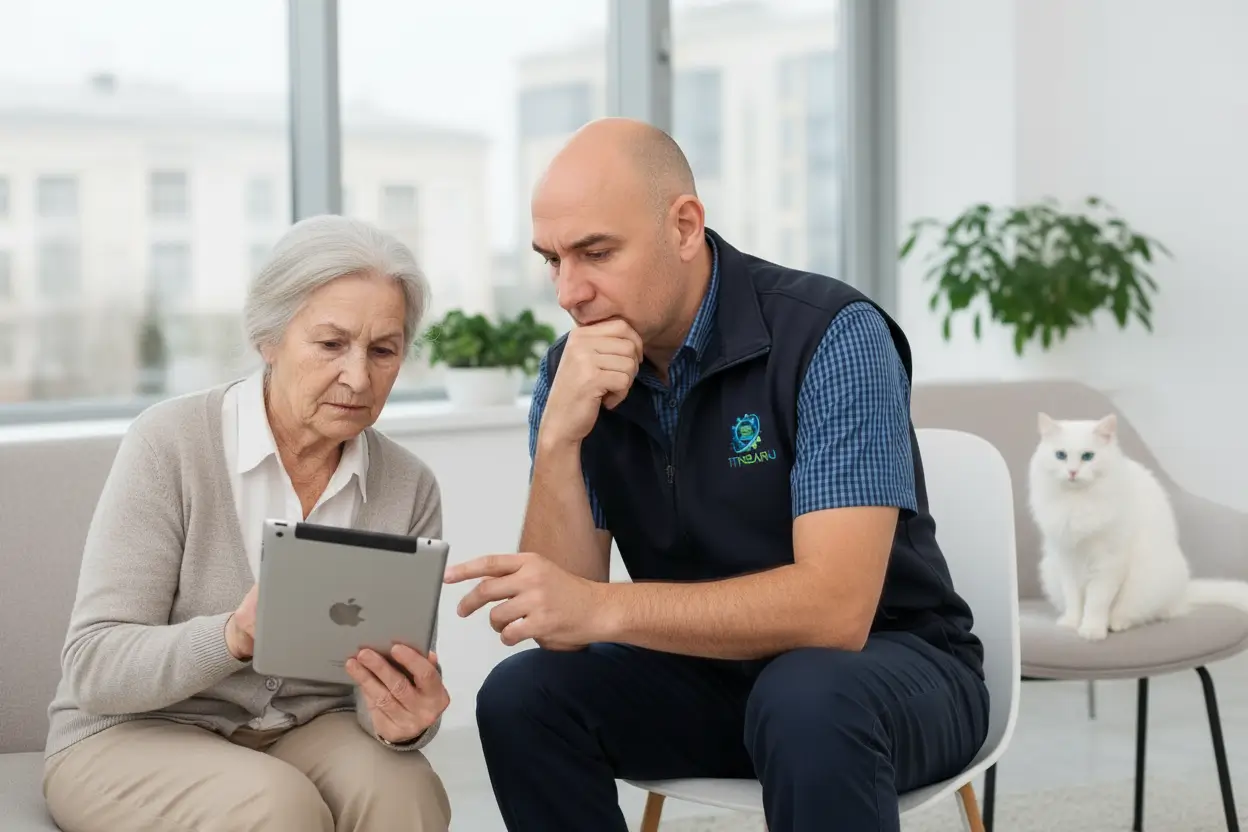
Your Apple ID and iCloud account are the foundation of your Apple experience. They control your email, cloud storage, app purchases, and device backups.
We assist with iCloud setup so your devices sync seamlessly. Photos, notes, reminders, and other content stay up to date across your Mac, iPad, and iPhone. We configure iCloud Drive so your documents are accessible from any device, and we set up automatic backups so your data is always protected. Learn more about iCloud storage and sync features.
If you’ve forgotten your Apple ID password or you’re locked out of your account, we help you recover access. We guide you through Apple’s account recovery process and verify your identity using the methods Apple provides.
Additionally, if you’re concerned about your account security, perhaps someone else has been accessing it, we help you change your password and review your account activity. We ensure only you have access to your Apple ID.
Replacing an old Mac or iPad with a new one doesn’t mean starting from scratch. We transfer all your data from the old device to the new one, including applications, documents, photos, music, and settings.
We also assist with platform migration. If you’re moving from an Android phone to an iPhone, or from a Windows PC to a Mac, we ensure your data transfers correctly despite the different systems.
For particularly valuable data—family photos, important documents, financial records—we create backups before any transfer. This provides peace of mind that nothing will be lost during the process.
Your files deserve protection. We set up cloud backups for your Mac, iPad, and iPhone using iCloud, Dropbox, Google Drive, or another service based on your preferences.
Automatic backups mean you don’t have to remember to back up manually. If something goes wrong, your device is lost, stolen, or fails, your data is safely stored in the cloud and can be restored to a new device. For detailed information on iCloud backup options, visit Apple’s iCloud backup guide.
We also assist with local backups using external hard drives. This provides an additional layer of protection and is useful if you have large amounts of data that might be expensive to store in the cloud.
Printing and scanning from your Mac, iPad, or iPhone should work seamlessly. Yet many users struggle to get their printers to connect or scanners to function properly.
We set up wireless printing so you can print from any room in your home or office. We configure your printer on your Wi-Fi network and ensure your Mac, iPad, and iPhone can all see it and send print jobs.
For multi-function scanners, we configure scanning features. You can scan documents directly to a folder on your Mac, email them to yourself, or save them to iCloud Drive. We set up these workflows so scanning becomes part of your regular routine rather than a frustrating obstacle.
Macs and iPhones are less frequently targeted by viruses than Windows PCs, but they’re not immune. If your Apple device is running slowly, displaying unexpected pop-ups, or behaving oddly, it may be compromised.
We scan your device for viruses, malware, and other security threats. We remove anything suspicious and provide you with a clean bill of health report. Additionally, we install reputable antivirus software like ESET Internet Security for ongoing protection.
After removing malware, we review your browser extensions, login items, and installed applications to ensure nothing else is lurking in the background.
If you’ve been targeted by a scammer or your device has been compromised, you’re understandably concerned about your financial security. We provide comprehensive bank security audits and clean health reports to give you peace of mind.
First, we scan your device thoroughly for any malware or spyware that might be stealing your banking credentials. We remove anything we find and ensure your device is genuinely clean.
Second, we provide documentation that your device is secure, which you can share with your bank if they’ve flagged unusual activity on your account. This report helps expedite any investigations or fraud claims.
Third, we advise you on password changes, two-factor authentication setup, and other security measures to protect your accounts going forward.
For multi-function scanners, we configure scanning features. You can scan documents directly to a folder on your Mac, email them to yourself, or save them to iCloud Drive. We set up these workflows so scanning becomes part of your regular routine rather than a frustrating obstacle.
Keeping your Mac up to date improves security, performance, and compatibility with the latest software. However, macOS upgrades can feel risky; many people worry about losing files or experiencing unexpected issues.
We handle macOS upgrades from start to finish. Before upgrading, we back up your system completely. During the upgrade, we monitor the process and troubleshoot any issues that arise. After the upgrade, we verify that all your applications work correctly and your files remain intact. For information on macOS updates, visit Apple’s Mac support page.
Between upgrades, we perform regular maintenance. This includes clearing out old files, updating applications, removing unnecessary login items that slow your startup, and optimising your system settings for better performance.
Moreover, if your Mac is running slowly, we investigate the cause. Often, it’s accumulated clutter or outdated software. We clean your hard drive, remove duplicate files, and optimise your system for speed and reliability.
Macs and iPhones are less frequently targeted by viruses than Windows PCs, but they’re not immune. If your Apple device is running slowly, displaying unexpected pop-ups, or behaving oddly, it may be compromised.
We scan your device for viruses, malware, and other security threats. We remove anything suspicious and provide you with a clean bill of health report. Additionally, we install reputable antivirus software like ESET Internet Security for ongoing protection.
After removing malware, we review your browser extensions, login items, and installed applications to ensure nothing else is lurking in the background.
If you’ve been targeted by a scammer or your device has been compromised, you’re understandably concerned about your financial security. We provide comprehensive bank security audits and clean health reports to give you peace of mind.
First, we scan your device thoroughly for any malware or spyware that might be stealing your banking credentials. We remove anything we find and ensure your device is genuinely clean.
Second, we provide documentation that your device is secure, which you can share with your bank if they’ve flagged unusual activity on your account. This report helps expedite any investigations or fraud claims.
Third, we advise you on password changes, two-factor authentication setup, and other security measures to protect your accounts going forward.
iPads are powerful devices, yet many users only scratch the surface of what they can do. Whether you use your iPad for email, browsing, reading, or creative work, we ensure it performs optimally.
We handle iPad setup, app installation, and configuration. We update iPadOS when new versions are released and troubleshoot any issues that arise. If your iPad is running slowly, we investigate the cause and optimise its performance.
We also assist with iPad-specific features like the Apple Pencil, keyboard attachments, and split-screen multitasking. If you’re struggling to make these work effectively, we configure them so they enhance your productivity rather than frustrate you. For more iPad support resources, visit Apple’s iPad support page.
iPhones are central to modern life, and when they’re not working correctly, it disrupts your entire day. We diagnose and fix iPhone issues, from software glitches to hardware problems.
We handle iOS updates, app troubleshooting, and performance optimisation. If your iPhone is running low on storage, we help you manage your files and delete unnecessary apps. If it’s running slowly or draining battery quickly, we investigate the cause and implement solutions.
Additionally, we assist with iPhone features you might not be using to their full potential. We set up Face ID or Touch ID if it’s not working, configure location services, manage notifications, and help you use Siri effectively. For more information on iPhone features and support, visit Apple’s iPhone support page.
Apple TV transforms your television into a smart entertainment hub. Yet setting it up and troubleshooting streaming issues can be confusing.
We configure your Apple TV, sign you into your Apple ID, and set up your home theatre network. We ensure Apple TV connects to your Wi-Fi, syncs with your other Apple devices, and streams smoothly without buffering or interruptions. For Apple TV setup information, visit Apple’s Apple TV support page.
If you’re experiencing playback issues, we troubleshoot your network connection and your Apple TV settings. We also help with AirPlay so you can stream content from your Mac, iPad, or iPhone directly to your television.
Additionally, we assist with Chromecast devices if you have Android phones or tablets. We ensure your Chromecast connects to your Wi-Fi and works seamlessly with your other devices.
Beyond Apple TV, we assist with general smart television setup and troubleshooting. Whether you’re connecting your Mac to your television for presentations, streaming content from your iPhone to your smart TV, or configuring picture and sound settings, we ensure everything works smoothly.
We also integrate Apple devices with other smart home products. If you have HomePod speakers, smart lights, or smart thermostats, we connect them to your HomeKit ecosystem so they work together seamlessly.
Older Macs can often be revitalised with hardware upgrades. We install solid-state drives (SSDs) to replace aging hard drives, dramatically improving performance and responsiveness.
We also upgrade RAM on compatible Macs. More memory means faster multitasking and smoother performance when running multiple applications simultaneously.
For devices where internal upgrades aren’t possible, we may recommend external solutions like fast USB-C external drives or cloud storage to expand your capacity and improve your workflow.
Not sure whether to upgrade your current device or repair it? We provide honest advice based on your situation, budget, and needs.
If you’re considering a new Mac, iPad, or iPhone, we discuss your options and recommend devices that match your requirements. If your current device can be repaired or upgraded more cost-effectively, we’ll tell you that instead.
We also assist with trade-in options if you’re upgrading. We can help you understand what your old device is worth and find the best place to sell or recycle it responsibly.
We’re not Apple employees or official Apple technicians. Instead, we’re independent specialists who genuinely understand Apple devices because we use them in our own business. This means our advice is honest and unbiased.
We serve the entire Greater Wellington Region, including Wellington, Porirua, Hutt Valley (Upper Hutt and Lower Hutt), and the Kāpiti Coast (Paraparaumu and Waikanae). We provide onsite Apple device repair and support when needed, and remote assistance for urgent issues, so help is always nearby.
We believe in transparency and practical solutions. We’ll never pressure you into unnecessary upgrades or repairs. We’ll explain what’s wrong with your device, what options you have, and what we recommend based on your specific situation.
Our team has extensive experience with MacBook repairs, iMac troubleshooting, iPhone device support, iPad optimisation, and comprehensive iOS and macOS management. Whether you need help with your first Apple device or you’re managing a multi-device ecosystem, we’re equipped to assist.
For New Zealand consumer technology guidance, see Consumer NZ’s technology buying guides. For information on data privacy in New Zealand, visit the Office of the Privacy Commissioner. Wellington businesses seeking innovation support can explore Callaghan Innovation’s resources.
Contact us today to discuss your Apple device needs. Whether you need immediate support, Mac repairs, iPhone troubleshooting, or planning for the future, we’re here to help. We proudly serve Apple users across Wellington, Porirua, Lower Hutt, Upper Hutt, Waikanae, and Paraparaumu.