Days Bay IT Support by IT NEAR U delivers reliable onsite and remote tech help for home users and small businesses across the Wellington region.
For residents and small business owners in Days Bay, dependable computer help must arrive quickly. Days Bay IT Support from IT NEAR U provides responsive onsite assistance supported by secure remote tools. Our Wellington technicians travel to your door with practical spares and proven methods so everyday problems are fixed without fuss.
Because our model is mobile first, we prioritise visits to homes across the eastern bays. When a desktop fails to start, a notebook runs slowly, or Wi-Fi drops repeatedly, our technicians bring diagnostic tools and clear explanations. When urgency or travel makes it sensible, remote access enables immediate triage; onsite work remains the core of our service. After each assessment, we explain findings in plain language and obtain approval before any work. Transparent billing and secure payment keep everything straightforward.
Across Days Bay, Eastbourne, and nearby suburbs, households manage growing mixes of devices. We integrate Smart TVs, tablets, speakers, and printers so everything talks to everything. Apple Support covers macOS and iOS setup, updates, and migration. Computer repairs include SSD upgrades, memory installation, and careful replacement of failed drives while preserving data. When printing fails, we configure wireless printing, scan to folder, and scan to email so documents move reliably.
Moreover, when connectivity falters, Wi-Fi audits identify dead zones and interference sources. Mesh systems such as Deco, Omada, or Ubiquiti extend coverage across floors and outdoors. Router placement, channel selection, and cabling are adjusted for fast and stable performance. Internet advice includes speed improvement, modem configuration, and basic hardening to resist casual intrusion.
Because home networks face daily risk, we remove viruses and spyware, then install reputable protection. Banking safety checks and security audits confirm your devices carry a clean bill of health. Parental control systems help families manage content and time without blocking essential learning. We guide password managers, two factor authentication, and safe shopping habits so everyone can operate confidently. Data recovery remains a priority after accidental deletion or drive issues; once restored, we configure OneDrive, iCloud, or Google Drive for automatic backup so files remain protected.
Since every household is different, we match the technician to the job by skill set. Windows 11, macOS, iPadOS, and Android are all supported; we reinstall systems when required and migrate files to new machines. Email is configured across Outlook, Mail, and mobile apps so messages sync correctly. During each visit, we complete performance checks and basic health optimisation to extend device life. When parts or licences are needed, we provide guided options; you purchase only what is necessary.
Ultimately, our mission is simple; deliver consistent, high quality onsite support backed by remote tools for rapid response. With IT NEAR U, local expertise is always within reach, and your home technology becomes reliable, safe, and easier to use.
Days Bay IT Support by IT NEAR U provides advanced onsite and remote home tech solutions, from data recovery to parental controls, across Wellington’s eastern bays.
Because home systems have become complex, Days Bay IT Support from IT NEAR U delivers advanced solutions beyond simple troubleshooting. We combine onsite skill with professional-grade tools to restore stability, protect privacy, and simplify daily technology use. Our Wellington-based technicians bring decades of experience, serving homeowners, families, and work-from-home professionals across Days Bay and Eastbourne.
Since prevention is always more effective than repair, our service includes complete computer health checks. Dust removal and thermal paste renewal reduce heat buildup and extend the life of desktops and notebooks. Performance tuning clears unnecessary programs, repairs registry faults, and corrects system startup issues. For Apple users, we maintain macOS performance through clean installations, disk optimisation, and migration assistance. For Windows users, we handle updates, driver issues, and configuration adjustments that stop recurring errors.
We also replace failing drives with solid-state technology, clone data to new machines, and reassemble systems neatly. Clients appreciate the focus on reuse; we repair before replacing, aligning with sustainable practice.
When important files vanish, panic follows. We recover lost data from corrupted drives, external disks, USB sticks, and memory cards. Where hardware damage exists, we use non-invasive imaging tools to preserve as much data as possible. Once recovered, we advise on redundant local and cloud backups using OneDrive, Dropbox, iCloud, and Google Drive. For households upgrading from older computers, we perform data transfers between Apple and Windows platforms, ensuring emails, photos, and documents appear exactly as before.
In multi-device homes, we set up automatic synchronisation across desktops, tablets, and phones. Shared folders make file access consistent for every user. We also configure backup notifications so clients know when protection is active and complete.
Connectivity underpins modern living. We design and install mesh Wi-Fi systems that extend coverage through multiple floors and outdoor spaces. Router and access point placement follow physical layout, interference testing, and signal mapping. Where cabling exists, we tidy and repurpose it to support wired backhaul for maximum performance.
We configure modems, set strong passwords, and adjust firewall rules for improved safety. When smart devices join the network, we integrate them securely. Smart TVs, Apple TV, Google Home, Amazon Alexa, Sonos, and gaming consoles are linked without compromising security or speed. Every installation ends with a security review to verify that family data stays private.
Since every online connection carries risk, we protect each computer and device with reputable antivirus and intrusion prevention. ESET Internet Security remains our preferred suite for its balance of detection, speed, and low interference. We guide households through firewall setup and router firmware updates, reducing exposure to attacks.
Parental control and monitoring systems are configured per household preference. Parents can manage content categories, block unsafe sites, and set balanced time limits. Our technicians explain how to adjust settings over time so children learn safe digital habits. We also offer online safety sessions covering email scams, password strategy, and multi-factor authentication.
Household technology must simply work. We install and configure printers, scanners, webcams, microphones, and wireless speakers. Scan-to-folder and scan-to-email functions are tested to ensure reliability. When TVs or sound systems misbehave, we calibrate settings, update firmware, and sync with streaming accounts.
For Smart TVs and streaming devices, we verify picture quality, network connection, and app login stability. Apple TV, Netflix, Disney+, and similar services are connected to secure networks, avoiding accidental public exposure. We leave every device fully functional before departure.
We support a repair-first culture. Wherever practical, hardware is refurbished rather than discarded. We provide guidance on e-waste recycling points and encourage safe disposal of batteries and electronics. By keeping existing equipment in use longer, clients save money and reduce environmental impact. When new parts or devices are essential, we help select reliable brands that perform efficiently and are easy to service locally.
Each visit begins with questions about how clients use their devices. That insight shapes every recommendation. We never push unnecessary upgrades or software; instead, we guide the right purchase at the right time. Our people-first approach ensures that every solution is sustainable, clearly explained, and appropriate for the home environment.
By combining proven technical skill with respectful service, IT NEAR U transforms support from a reaction into a partnership. Residents of Days Bay gain more than a technician; they gain a trusted local ally in managing their digital world.
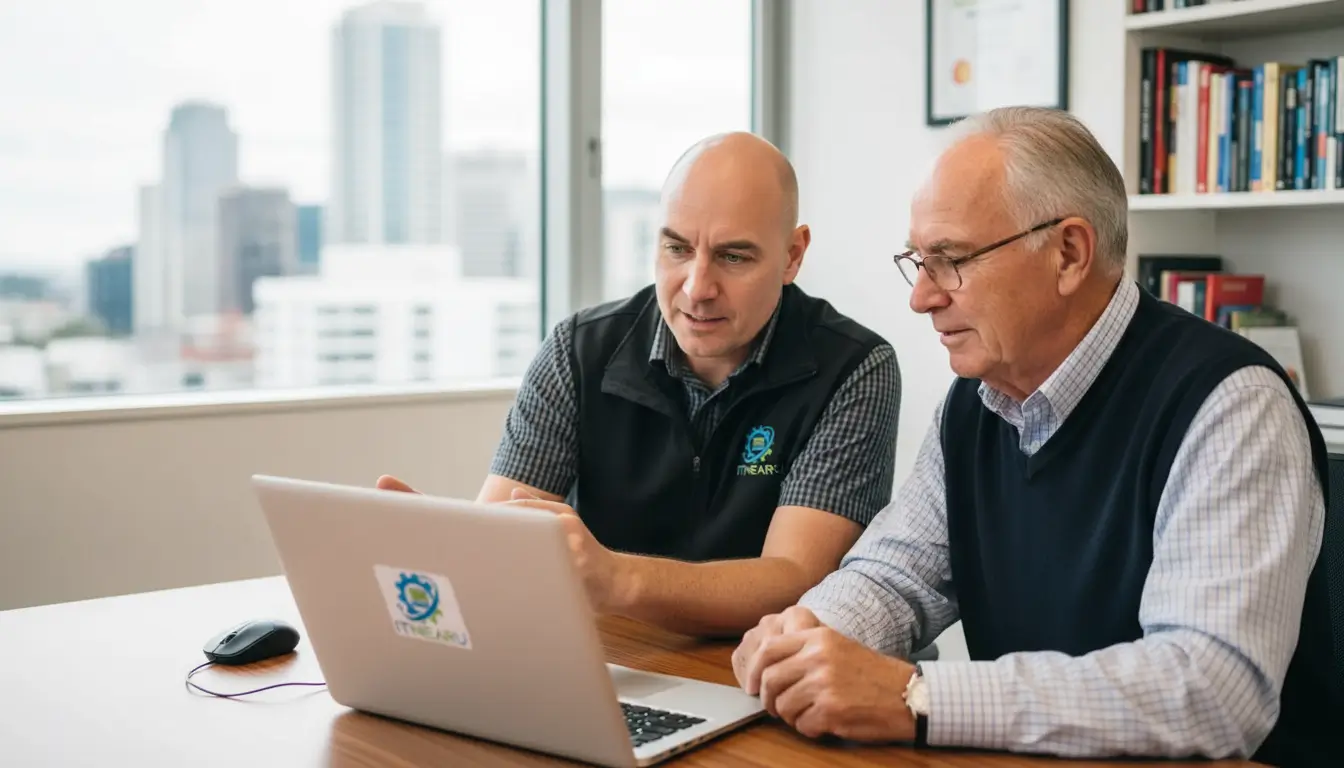
Days Bay IT Support by IT NEAR U delivers professional onsite and remote assistance for local small businesses, ensuring reliable systems and secure operations across Wellington.
Running a small business demands dependable systems. Days Bay IT Support from IT NEAR U provides onsite and remote technical expertise for offices, shops, and professionals throughout the eastern bays. Our technicians work directly with owners to resolve computer, network, and cloud issues quickly so operations continue without interruption. As a mobile first IT company, we visit workplaces, co working spaces, and home offices; every system runs efficiently and securely.
Because no two businesses share identical needs, we begin with consultation rather than sales. We assess infrastructure, backup processes, and communication tools; then we recommend the right mix of hardware and software. For those transitioning from home setups to formal business environments, we manage everything from email domains to secure file sharing. Businesses in Days Bay rely on our local understanding, fast arrival times, and consistent communication.
We assist across all common platforms such as Windows PCs, Apple Macs, and cloud services so cross device work remains straightforward. When issues arise, our focus remains on minimal downtime, clear explanations, and transparent billing.
Modern businesses rely heavily on connected systems. We configure Microsoft 365, covering Outlook, Exchange Online, OneDrive, SharePoint, and Teams. For clients using Google Workspace, we assist with Gmail, Drive, and Meet integration. Domain and DNS management ensure emails deliver reliably and websites remain secure. We also help register new domains and connect them to professional email accounts; this removes the need for free or outdated addresses.
SharePoint and OneDrive enable structured document control, version history, and secure remote access. We guide file migration, folder permissions, and access policies to protect business data while keeping collaboration simple. For hybrid or remote teams, we set up secure VPNs and remote desktop solutions so staff can connect safely from anywhere.
Every business depends on reliable connectivity. We audit routers, switches, and wireless networks to remove bottlenecks and improve coverage. For cafés, clinics, and small offices, we design segmented Wi Fi with separate guest and staff access to maintain security and performance. Mesh systems such as Omada and Ubiquiti provide wide coverage without loss of speed. When required, we liaise with internet providers to resolve faults or upgrade links.
We also advise on structured cabling, power protection, and small office network design. Speed tests, configuration adjustments, and performance reporting confirm every change delivers measurable improvement.
Small businesses face the same risks as large organisations. We implement layered security; antivirus, firewalls, anti phishing tools, and managed backup. Our partnership with N able Cove Data Protection provides full PC and server backup to cloud, including virtual machine and bare metal recovery. For Microsoft 365 users, we enable SharePoint, Exchange, and OneDrive backups since Microsoft’s native tools do not guarantee recovery.
We conduct security audits and deliver clean health reports after virus removal or suspected compromise. Staff receive training in password management, phishing recognition, and safe data handling. This approach reduces downtime and strengthens resilience.
Ageing systems increase risk and reduce productivity. We maintain and upgrade desktops, notebooks, and Apple Macs; services include SSD conversions and memory expansion. Preventative maintenance visits keep systems performing consistently. We replace worn components and test cooling systems to prevent heat related failure.
When new devices are required, we source reliable equipment and configure it onsite. We also provide insurance quotations for hardware replacement and assist with migration of data and software licences.
Our support agreements offer continuity without long term lock in. We log every job, issue detailed reports, and keep business owners informed of completed and pending tasks. Transparent itemised billing ensures full visibility of costs. For startups and small firms, we can scale support as operations grow; cloud, backup, or collaboration tools are added when required.
Clients remain in control of their systems; our role is stewardship, not ownership. We act as the IT partner near you; present, practical, and committed to keeping business technology stable.
Days Bay IT Support by IT NEAR U delivers advanced small business IT solutions including cybersecurity, data backup, Microsoft 365 management, and network optimisation.
Because small firms depend on uninterrupted technology, Days Bay IT Support from IT NEAR U provides proactive systems management. We combine onsite technical skill with remote monitoring tools to prevent downtime before it occurs. Each business engagement starts with a clear understanding of daily operations, followed by tailored advice on infrastructure, backup, and software alignment. Our technicians visit offices, workshops, and home-based businesses throughout the eastern bays, ensuring continuity without disruption.
We follow ITIL principles to keep business systems reliable. Instead of waiting for faults, we monitor key functions, check backups, and maintain performance consistency. Preventative measures include scheduled updates, device health checks, and hardware lifecycle planning. This approach lowers total cost of ownership and reduces emergency callouts.
We also maintain open communication through detailed reports and review meetings. Business owners receive plain-language summaries, not technical jargon, so they can make informed decisions. Every action and recommendation is logged for complete transparency.
As remote work remains common, we design secure and practical ways for staff to access company data. We migrate existing servers or local file stores to Microsoft 365, Google Workspace, or hybrid cloud platforms. Migration projects include permissions planning, data mapping, and user training to ensure smooth transition. When access must remain private, we establish encrypted VPN tunnels and multifactor authentication.
For remote teams, we implement Microsoft Teams or Google Meet with shared calendars, chat integration, and file collaboration. Our configuration reduces confusion and enhances productivity by keeping everyone connected to the same digital workspace.
Because threats evolve daily, we protect small businesses through layered security. Firewalls, managed antivirus, and active monitoring identify irregular behaviour before damage occurs. Backup systems under N able Cove Data Protection provide full PC and server coverage to both cloud and local storage. We test restoration processes so recovery is proven rather than assumed.
We perform periodic clean health checks after malware incidents and produce concise audit reports. These confirm that systems meet modern protection standards. Where possible, we harden workstations through user restrictions, secure passwords, and updated firmware. Business owners retain control; our role is guidance and implementation.
Many small firms must meet basic compliance expectations even without formal regulation. We assist by drafting IT policies, usage guidelines, and backup verification templates. Documented procedures simplify training and reduce mistakes. For notifiable data breaches or insurance claims, detailed records support fast resolution and accurate reporting.
We also prepare inventory documentation for hardware, software, and licences. This improves budgeting and ensures subscription renewals are not missed. By centralising this information, businesses gain a clear overview of their digital assets.
Most small businesses deal with multiple suppliers. We act as technical translators between clients and vendors so problems are resolved without wasted time. Whether speaking with an internet provider, phone company, or cloud service representative, we handle the details and report back with clear outcomes.
Cost control remains central to our approach. We identify redundant licences, unused services, and outdated subscriptions. Streamlining these reduces monthly expenses without affecting productivity. Because our advice is independent, recommendations are based on performance rather than commission.
Online visibility influences credibility. We assist local businesses with domain setup, SSL certificates, and website corrections. WordPress maintenance covers plugin updates, security patches, and SEO adjustments that improve ranking on search engines. We connect websites to Google My Business listings and ensure business hours, contact numbers, and map locations display correctly.
We also help manage social media accounts such as Facebook, LinkedIn, and Instagram to maintain professional identity. When clients prefer guidance rather than outsourcing, we provide concise training on content posting and privacy management.
We value long-term relationships above short contracts. Each business engagement is treated as a partnership, not a transaction. We understand that consistency builds trust; therefore, we provide steady communication, regular reviews, and fast onsite attendance when needed. Days Bay businesses benefit from having a local IT partner who prioritises reliability, confidentiality, and results.
Our work supports the community by strengthening local enterprises and keeping technology approachable. With IT NEAR U, businesses operate with confidence knowing their systems, data, and networks are secure, maintained, and ready for growth.
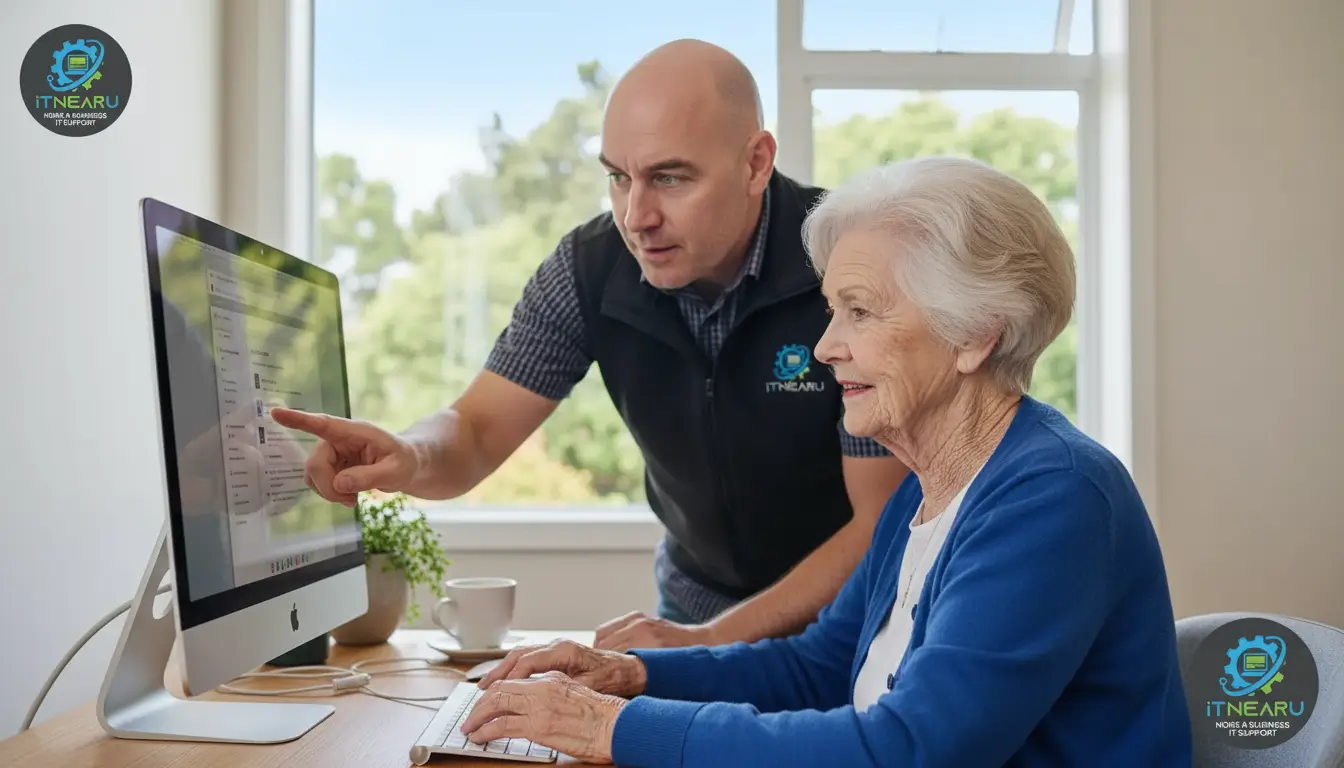
Days Bay IT Support by IT NEAR U provides discounted onsite technical help for SuperGold Cardholders, seniors, and not-for-profit organisations across Wellington’s eastern bays.
For many senior residents and local not-for-profits, technology can feel unnecessarily complex. Days Bay IT Support from IT NEAR U simplifies every task through calm, patient, onsite assistance. We help SuperGold Cardholders, retirees, and community groups use their computers, tablets, and smartphones confidently. Our technicians arrive at homes and clubrooms throughout the eastern bays, explaining everything in clear, friendly language without unnecessary jargon.
Because we believe digital access should remain inclusive, we offer discounted labour for SuperGold Cardholders. Every job receives the same professional care, but with reduced cost to support the senior community. We assist with Windows and Apple computers, smartphones, tablets, and smart TVs. Work may include printer setup, photo transfers, password resets, or software configuration. Each session focuses on building understanding as well as fixing problems.
Our onsite-first model means clients do not need to pack equipment or travel. We handle the physical connections, test performance, and leave systems ready for everyday use. When required, remote tools allow safe follow-up sessions, saving time and maintaining consistency.
For many seniors, small frustrations become major barriers. Forgotten passwords, confusing updates, or missing emails often cause unnecessary stress. We resolve these quickly, then demonstrate how to avoid repeats. We help clients navigate Microsoft 365, Gmail, and web browsers; organise photos; manage email attachments; and recognise scam messages. We also install safe password managers and teach secure online banking habits.
When devices slow down, we perform optimisation and cleanup, removing unnecessary background programs. For clients upgrading equipment, we transfer photos, mail, and documents from the old device to the new one so nothing is lost. We also help connect Wi-Fi printers and configure scan-to-email or scan-to-folder functions.
Because online threats target inexperienced users, we make cybersecurity a priority. We install ESET Internet Security and configure automatic updates. Our banking health checks confirm that accounts and credentials remain uncompromised. Parental control and protection features can also be adapted for senior use, blocking malicious sites and intrusive advertising.
We explain how to verify legitimate messages, recognise scam calls, and manage two factor authentication. After setup, we provide a written summary showing the protection measures installed so clients can refer to it later without confusion.
Local clubs, charities, and community groups often run on tight budgets but still need reliable IT. We assist with donated equipment setup, basic network configuration, and cloud email management. Microsoft 365 Nonprofit and Google for Nonprofits are configured to enable secure communication without cost where eligible. We help manage volunteer access, shared folders, and privacy controls so data stays protected.
When websites or mailing lists are involved, we ensure credentials and administration rights remain with the organisation rather than individual members. This prevents loss of access when committees change. We also assist with projector and printer setup for community events and meetings.
Every visit with a senior or volunteer organisation is guided by patience. We explain processes slowly, write down important steps, and avoid unnecessary technical language. When multiple sessions are needed, we build on previous lessons so knowledge grows steadily. We understand that familiarity and trust matter more than speed.
Technicians are matched to the client by skill and temperament, ensuring calm and reliable service. For residents with accessibility requirements, we can adjust text size, display brightness, and audio prompts so devices become easier to use. We aim to make technology empowering rather than intimidating.
We encourage repair over replacement. Older computers can often be restored through RAM or SSD upgrades instead of full replacement. We collect unwanted electronics for proper recycling and guide clients to safe e-waste channels. This helps reduce cost and environmental impact.
Our involvement with not-for-profits extends beyond IT. We provide advice, reliable communication tools, and steady technical guidance that keeps community initiatives running smoothly. By supporting local groups, we strengthen the fabric of Days Bay’s connected community.
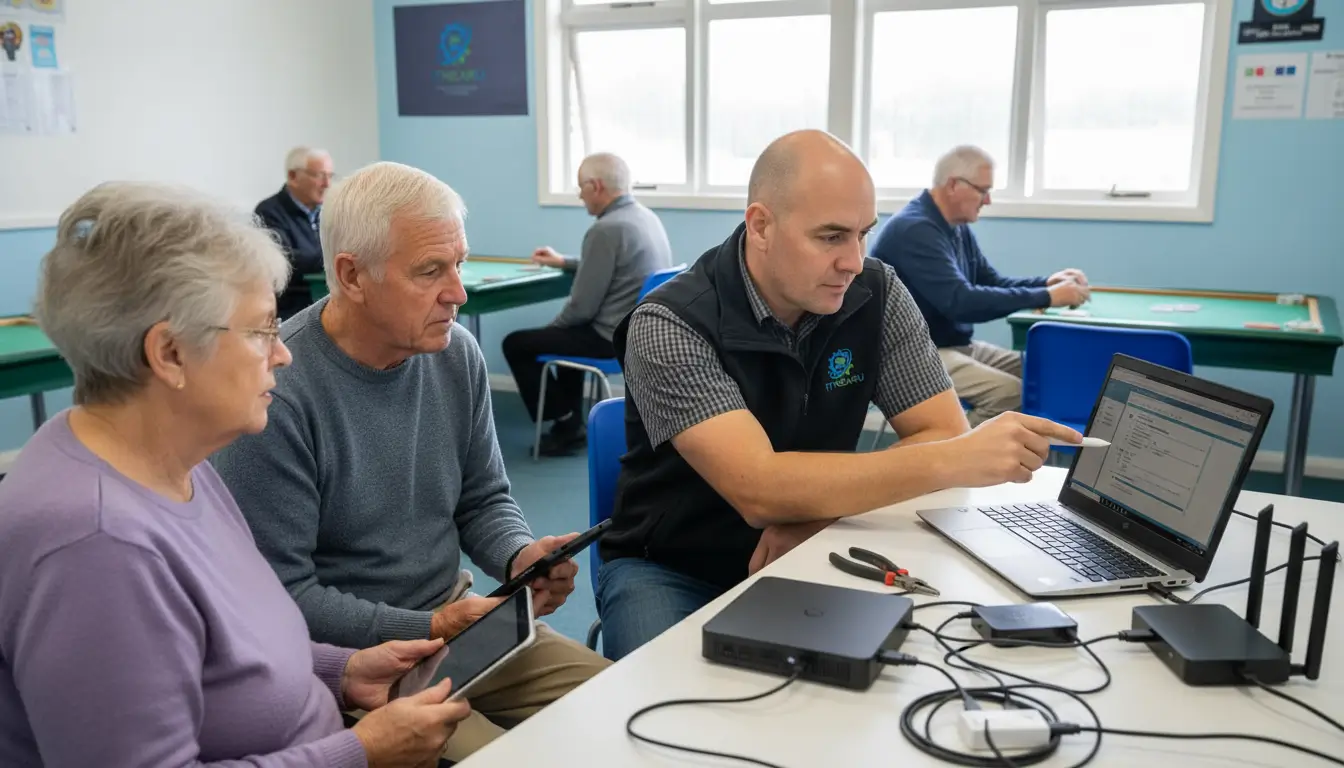
Days Bay IT Support by IT NEAR U offers personalised onsite technology services for SuperGold Cardholders and community organisations, helping seniors stay connected and secure.
Because technology should serve people rather than confuse them, Days Bay IT Support from IT NEAR U delivers personal, onsite help for SuperGold Cardholders. Each visit focuses on comfort, confidence, and understanding. We adapt our pace to each person’s experience level and never rush explanations. Our technicians bring practical experience and clear communication; they resolve issues while teaching clients how to use devices safely and effectively.
Every session is private and confidential. We handle email access, photo sharing, document organisation, and cloud backup setup. By working directly in the home, we ensure all settings match the individual’s environment and internet connection.
Many seniors want to stay in touch with family, manage finances online, or use streaming services. We make these tasks simple. We set up and synchronise iPads, tablets, and smartphones with email, calendars, and cloud storage. For Apple users, we manage Apple ID, iCloud Photos, and Find My Device. For Windows users, we configure OneDrive and Outlook to sync seamlessly between laptop and mobile.
We also assist with social media access, video calling through Zoom or Teams, and online shopping setup. Each function is explained slowly with notes left behind so the client can repeat steps independently. If follow-up help is needed, we reconnect remotely using secure tools, saving unnecessary travel.
Regular maintenance prevents frustration. We perform system clean-ups, check startup programs, and remove unnecessary software. Hardware is dusted internally, and cooling fans are inspected to prevent heat-related failure. These steps keep older equipment performing well and extend its life. For those considering upgrades, we install solid-state drives and memory expansions, keeping costs far below replacement level.
We also install software updates and antivirus protection so devices remain secure. All changes are recorded in a short printed summary that outlines what was completed and any recommendations for future improvements.
Since seniors are often targeted by scammers, online safety is a key priority. We teach practical verification habits; never click unknown links, never share login details, and always confirm sender identity. Our technicians install ESET Internet Security, configure automatic updates, and activate browser protection. We review bank portals to ensure two-factor authentication is active and advise how to reset credentials safely.
After every visit, clients receive printed guidance listing recent threats, scam examples, and simple reminders for ongoing caution. We also help block nuisance pop-ups, disable fake alerts, and restore normal browser function when things go wrong.
Technology should be enjoyable as well as useful. We install and configure Smart TVs, streaming boxes, and sound systems. Services like Netflix, TVNZ+, and YouTube are linked to secure accounts and parental settings are adjusted when needed. We ensure Wi-Fi connectivity remains stable and that remotes, soundbars, and apps work as expected.
For music and photo collections, we link devices to Spotify, Apple Music, and Google Photos. Shared albums let family members upload pictures remotely so seniors always see recent moments. Each setup is tested and explained before we leave.
Community groups often rely on volunteers with varied computer experience. We create clear instructions for file sharing, document storage, and communication systems. Cloud tools like Microsoft 365 Nonprofit and Google Drive make collaboration simple. We configure access permissions so committee transitions happen smoothly.
We also train staff or volunteers in document storage habits, email filtering, and safe password management. When events are held, we assist with projector setup, printers, and live-streaming preparation. These services keep community projects running smoothly without unnecessary technical barriers.
Every client, regardless of age or technical ability, receives patient and courteous treatment. Our technicians maintain continuity by revisiting previous notes and ensuring progress is steady. We value relationships above transactions; a long-term understanding helps us deliver better support over time.
Residents and organisations in Days Bay appreciate that IT NEAR U is local, mobile, and people-focused. With patience, professionalism, and care, we help seniors and community groups use technology with confidence. The result is digital independence and genuine peace of mind.